NY Next Generation ELA 1R9
The Standard
Make connections between self and text (texts and other people/world).
New York State Next Generation English Language Arts Learning Standards
Teacher's field guide
What This Standard Means
What Students Need to Do
- Students connect a text with their own experiences, other people, other texts, or the wider world. They explain a meaningful similarity or difference.
What Mastery Looks Like
- The student names a clear connection and tells how it helps make sense of the text. The response refers to a specific event, idea, character, or fact.
Common Misconceptions
- Students may share an unrelated personal story. They may say a text reminds them of something without explaining the connection.
How to Assess It
- After a read-aloud, ask students to complete, This connects to ___ because ___. Require one specific detail from the text.
Lesson moves
Ways to Teach It
Link a text detail to self, another text, or world picture cards with yarn.
Ask students which connection helps them understand the text better and why.
Play Connection Sort with text-to-self, text-to-text, and text-to-world examples.
Connect a story problem or informational topic to an event in the school or community.
Free download
Printable 1R9 Worksheet
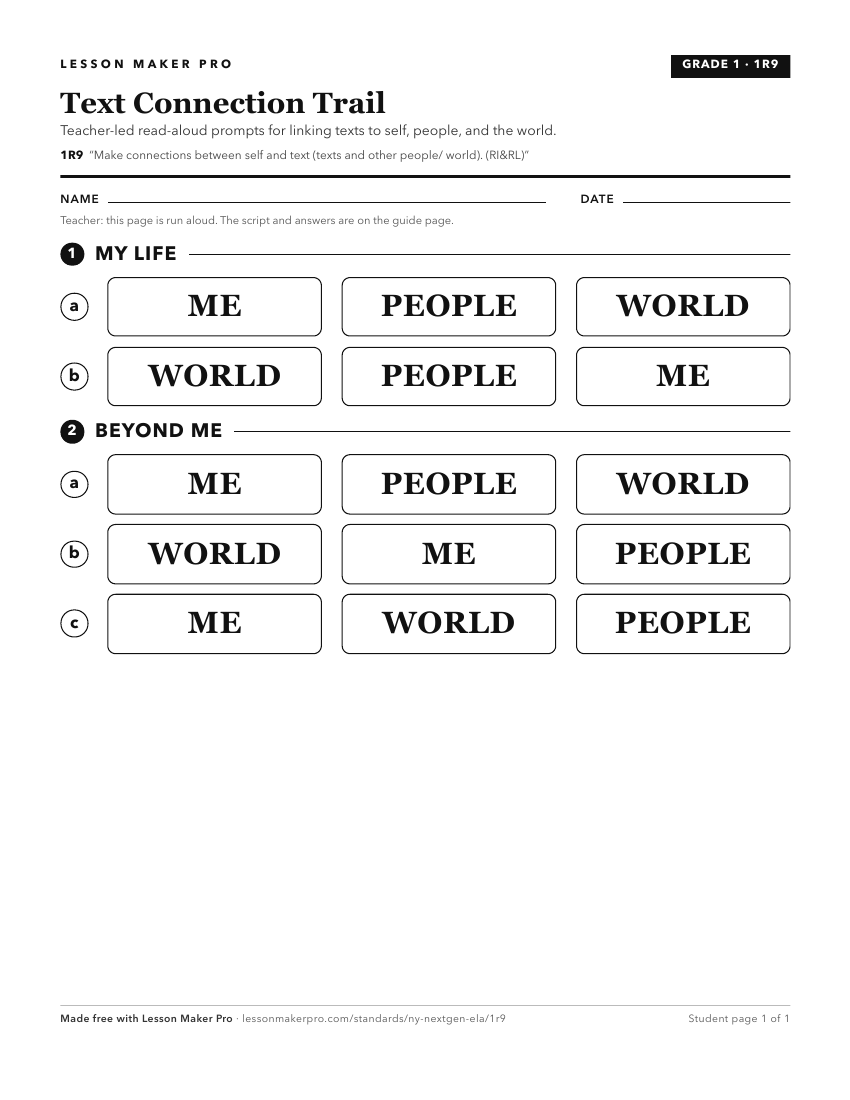
A ready-to-print activity worksheet aligned to 1R9, with an answer key for the teacher on its own page. No account needed.
PDF, US Letter, prints cleanly in black and white.
Download the worksheetKeep exploring
Related Standards
- 4R9
Recognize genres and make connections to other texts, ideas, cultural perspectives, eras, personal events, and situations.
- 3R9
Recognize genres and make connections to other texts, ideas, cultural perspectives, eras, personal events, and situations.
- 2R9
The 2nd Grade version of this standard.
- KR9
Make connections between self, text, and the world.
Turn this exact standard into a lesson
Grade, subject, topic, and the complete standard are prefilled. Create one free, no account needed.
Also for this standard:Make a WorksheetMake a QuizMake a Sub Lesson