Your Teaching Assistant
Help when you want it. Chat naturally to brainstorm ideas, draft complete lesson plans, get activity suggestions, and work through teaching questions, with an assistant that remembers your classroom and what you were working on last week.
What you get
Everything You Need in One Place
From first idea to finished lesson plan, one conversation carries you through every step
Brainstorm Lesson Ideas
Start with just a topic or standard and get lesson ideas tailored to your grade level and subject.
Activity Suggestions
Get hands-on activity ideas that bring your lessons to life and keep students engaged.
Differentiation Support
Brainstorm approaches for ESL students, advanced learners, and accommodations before the lesson even exists.
Teaching Strategies
Talk through classroom management, pacing, assessment, and instructional practices.
Natural Conversation
Just chat. Ask questions, refine ideas, and iterate on the fly.
Complete Lesson Generation
When you're ready, generate a full lesson plan with objectives, activities, materials, and assessments.
Things to try
Try Asking Things Like...
"Could you help me come up with some ideas for a 5th grade science lesson about simple machines?"
"I'm attaching my slides for tomorrow's lesson. Can you help me come up with some engaging, hands-on activities?"
"Can you help me with some differentiation strategies for English language learners?"
"I need help with classroom management strategies for my talkative fifth grade class"
"What are some formative assessment strategies I could use during this lesson?"
"Can you help me align this lesson to Common Core standards?"
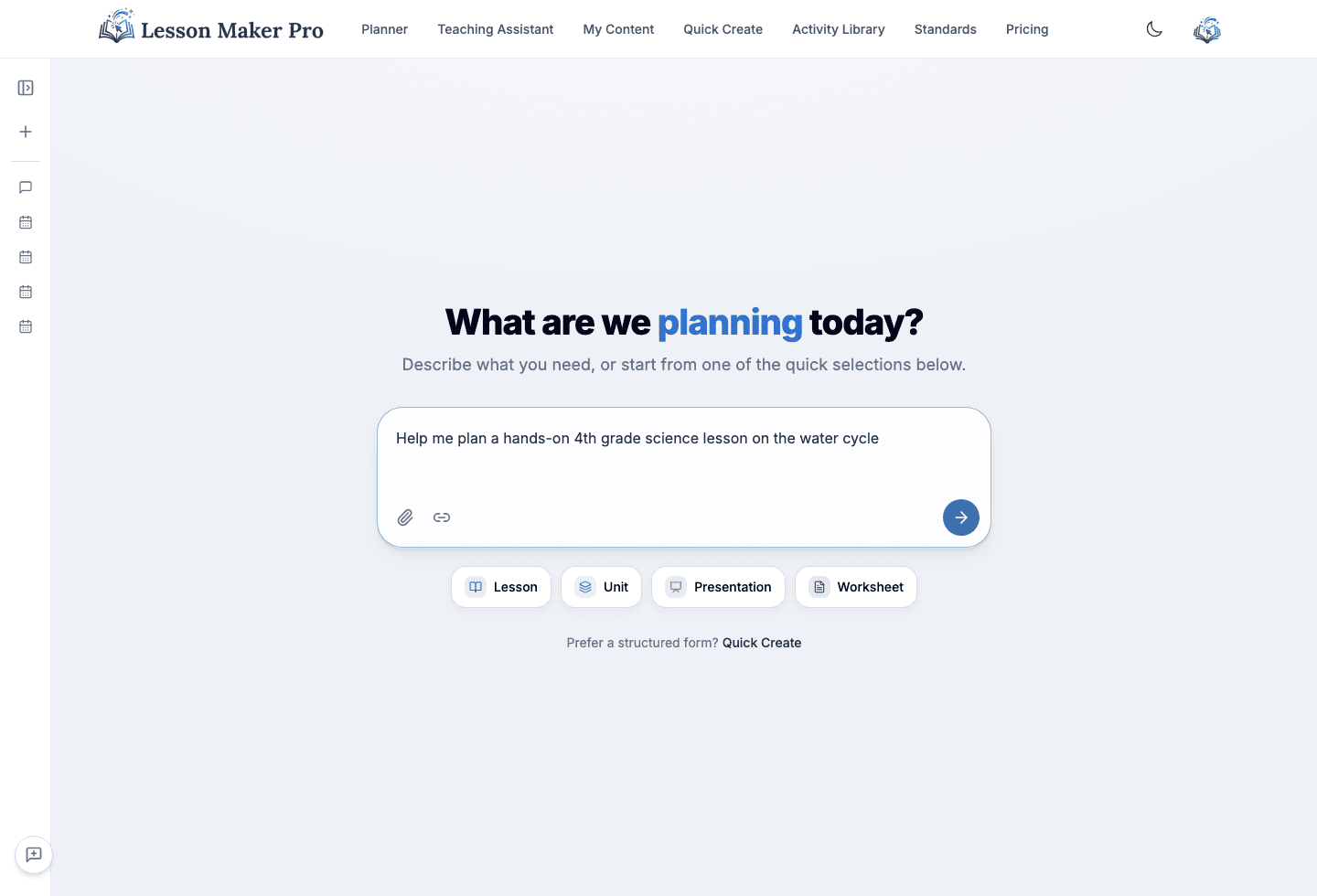
How it works
From idea to ready-to-teach lesson
Start the Conversation
Open the Teaching Assistant and describe what you need: a lesson idea, activities, or teaching advice.
Brainstorm Together
Chat naturally to explore ideas, ask questions, and refine your approach. You can even attach slides or documents.
Generate Your Lesson
When ready, generate a complete lesson plan built from your conversation.
Refine & Teach
Continue chatting to make adjustments, generate materials, and prepare to teach with confidence.
Why teachers use it
What Sets It Apart
Saves Hours of Prep
Ideas, plans, and materials come together in one place instead of five browser tabs.
Remembers Your Classroom
It learns your subjects, grades, period length, and standing accommodations as you chat. Every save is shown to you, everything is editable in your Teaching Profile, and you can turn learning off.
Drafts Materials From Chat
Ask for a worksheet or an exit ticket and it's drafted for the exact lesson you're discussing.
Remembers What You Were Working On
Start a new chat and it already knows your recent conversations, the lessons and materials they produced, and where each left off. Ask about last week's unit and it finds the thread.
Try the Teaching Assistant
Start a conversation about your next lesson. Brainstorm, plan, and refine it in one place.