Generate Complete Lesson Materials
Create worksheets, presentations, and assessments that match your lesson plan, generated in the background while you work.
One-Click Material Generation
- Cohesive Materials: All materials follow the same learning objectives and content
- Fully Customizable: Edit any generated material to match your exact needs
- Multiple Formats: Download as PDF, DOCX, or PPTX, or export to Google Docs, Slides, Forms, and Classroom
- Background Generation: Materials generate in the background while you keep working
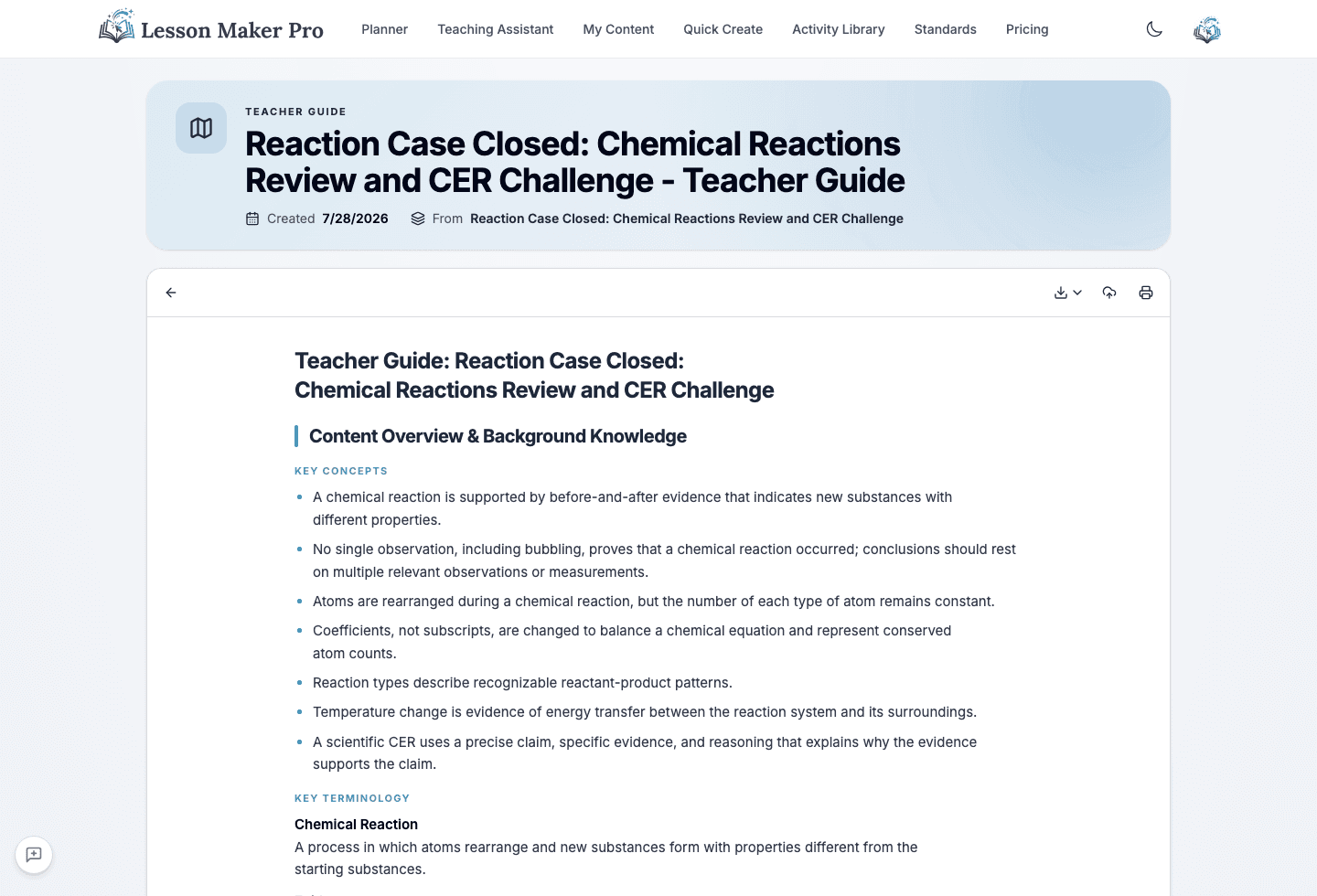
What you get
Types of Materials You Can Generate
Everything you need to support your lessons
Worksheets
Practice questions and activities for students
Handouts
Reference sheets students keep at hand
Assessments
Formative assessments with answer keys
Student Notes
Guided notes that follow the lesson
Teacher Guides
Guides with background knowledge and teaching tips
Graphic Organizers
Visual organizers matched to the lesson's thinking work
Infographics
One page that draws the lesson's key data or relationship
Card Sheets
Printable card sets for sorting and matching activities
Presentations
Slide decks with key points that follow the lesson plan
How it works
From lesson plan to complete materials
Create Your Lesson
Generate or create a lesson plan using Quick Lesson or the Teaching Assistant.
Generate Materials
Every lesson arrives with a slide deck, a teacher guide, and the printables it calls for, like exit tickets and data sheets, already drafting. Ask for any extra and it follows.
Export & Use
Download as PDF, DOCX, or PPTX, or send to Google Docs, Slides, Forms, or Classroom.
Save Time Creating Materials
Generate complete lesson materials in minutes, in the background while you plan, and spend more time with your students.