Slide Decks Built From Your Lesson
Generate a presentation grounded in the lesson you planned, not a generic template. Review and edit every slide, then export to PowerPoint, Google Slides, or PDF.
A Deck You Can Teach From
- Follows Your Lesson: Slides carry your objectives, activities, and timing, in order
- Speaker Notes: Each slide includes presenter notes tied to the lesson moment
- Present or Export: Present from the browser, or export to PPTX, Google Slides, or PDF
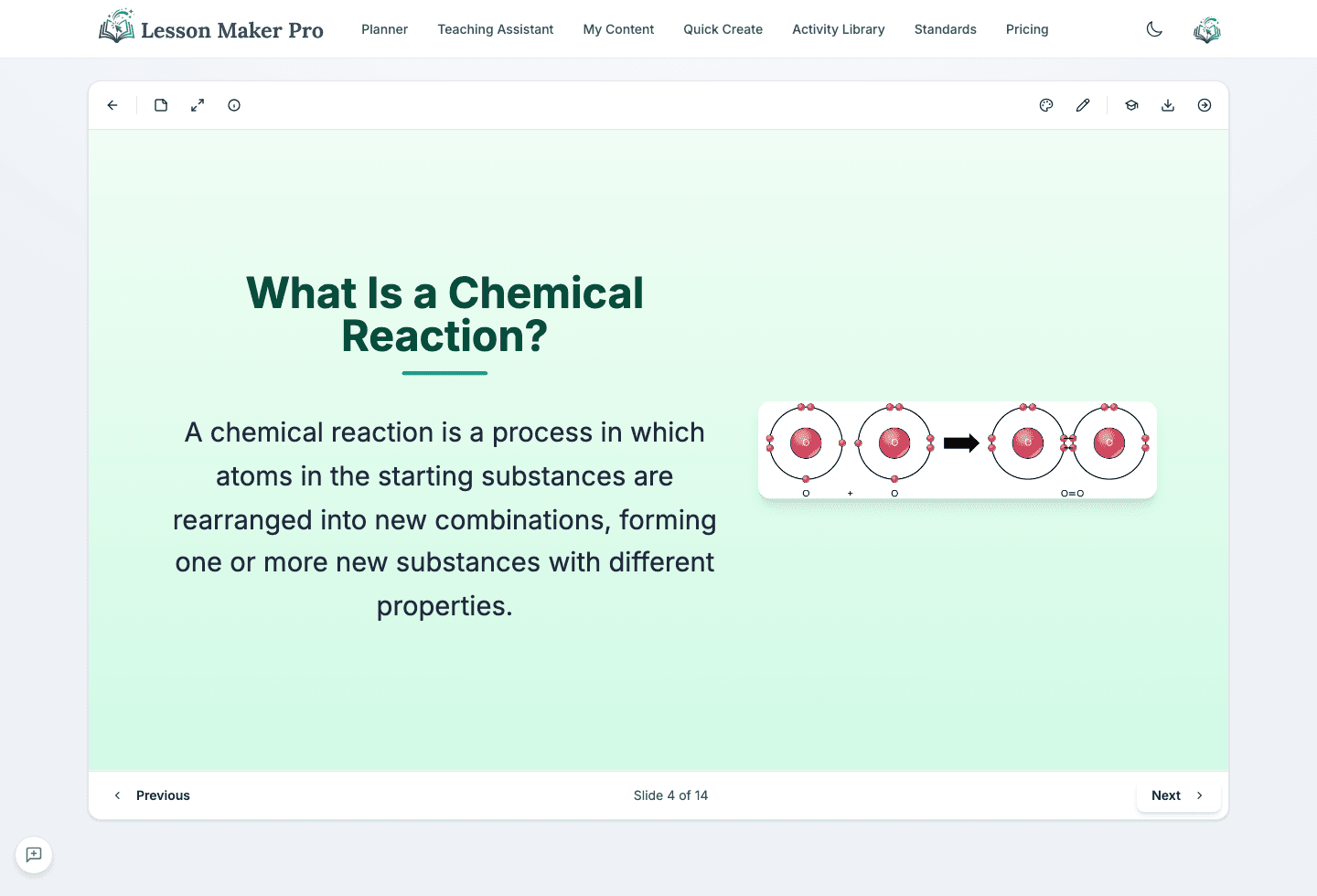
What you get
Built for Teaching, Not Just Slides
Every deck starts from your lesson plan and stays yours to shape
Grounded in Your Lesson
Slides follow your lesson's objectives, activities, and key points, so the deck matches what you actually teach.
13+ Slide Types
Title, content, split, quote, timeline, grid, and more, each chosen to fit the part of the lesson it carries.
Editable Slide by Slide
Rewrite text, reorder slides, and swap or remove imagery until the deck sounds like you.
Export Anywhere
Download as PPTX, send to Google Slides, or save as PDF for printing and sharing.
How it works
From lesson plan to ready-to-present deck
Start With a Lesson
Create a lesson plan, or open one you already have in your dashboard.
Generate the Deck
Every generated lesson includes a deck drafted from its objectives and activities, no extra request needed.
Edit Every Slide
Adjust wording, reorder slides, and shape the deck for your class.
Export & Present
Download as PPTX, send to Google Slides, or save as PDF.
Why teachers use it
Slide Types for Every Part of the Lesson
Beyond title and content slides, decks draw on layouts matched to what each slide teaches
Timeline
Sequence events, eras, or steps across the lesson
Quote
Feature a primary source or key voice
Definition
Introduce vocabulary with clear framing
Comparison
Put two ideas side by side for contrast
Process
Walk through a procedure step by step
Diagram
Show how concepts connect and relate
Grid
Organize examples and categories at a glance
Interactive
Discussion prompts and checks that involve students
Build Your Next Deck From a Real Lesson
Plan the lesson, generate the presentation, and walk into class with slides that match what you teach.