Lesson Chat Assistant
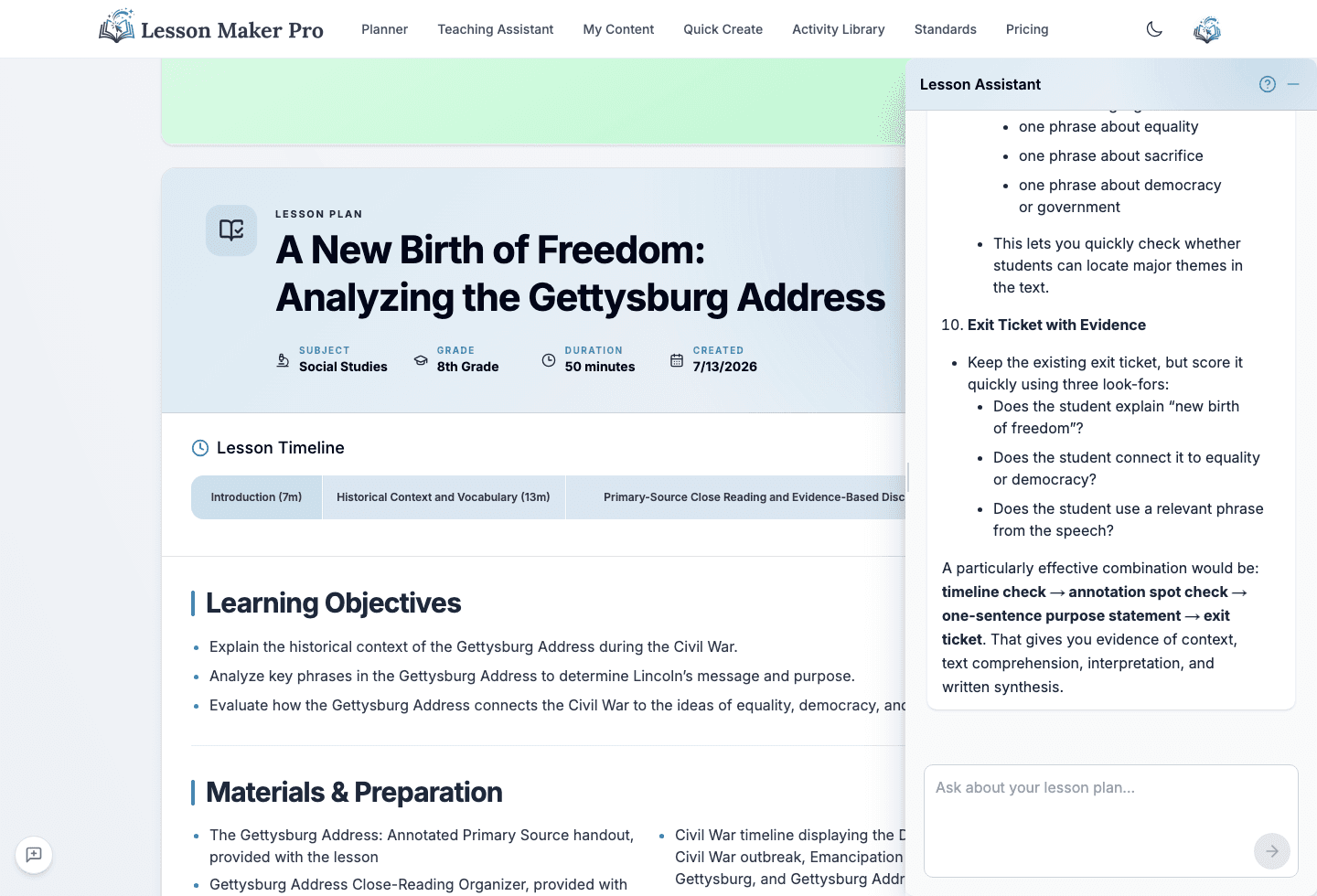
Refine any lesson through natural conversation. Available inside every lesson plan, the chat assistant helps you make quick edits, get suggestions, and improve your lesson in place.
What you get
What Makes Lesson Chat Different?
A collaborative way to refine individual lessons
Real-Time Lesson Editing
Say "Add a group activity for fractions" and watch it land in the plan beside the chat. Any section: objectives, activities, assessment, timing, even the activity order.
Full Lesson Context
It has the complete context of your lesson plan, so suggestions are relevant to what you already built.
Materials From the Same Chat
Ask for a worksheet, an organizer, or a deck revision and it's drafted for this exact lesson. Presentation edits keep the deck's design and images.
Content Knowledge
Ask questions about your lesson topics and get detailed, accurate explanations.
Differentiation in Place
Ask for accommodations for ESL students or advanced learners in the lesson you're editing, and they land right where they belong.
Finds Real Resources
Ask for supporting resources and it searches the web and attaches real, working links to the lesson.
Things to try
Ask Anything About Your Lesson
"Can you suggest a more engaging introduction for this lesson?"
"Add a hands-on activity for visual learners"
"How can I differentiate this lesson for ESL students?"
"What assessment strategies would work best here?"
"Explain the significance of the Boston Tea Party"
"Can you reorder these activities for better flow?"
How it works
Simple conversation, real edits
Open Your Lesson
Navigate to any lesson plan you've created or generated.
Start Chatting
Click the chat icon and start asking questions or making requests about your lesson.
Watch It Update
The plan stays open beside the chat and updates while the assistant is still typing.
Try the Lesson Chat
Create a lesson and start chatting. Ask for a change and watch it land in the plan.