A Class That Runs Itself
Turn any lesson into a self-paced adventure: an illustrated map world, levels of instruction and interactive checks, XP and streaks, and a boss battle at the end. Students drive the whole period themselves, whether you're out for the day or teaching alongside it.
Your Lesson, Playable
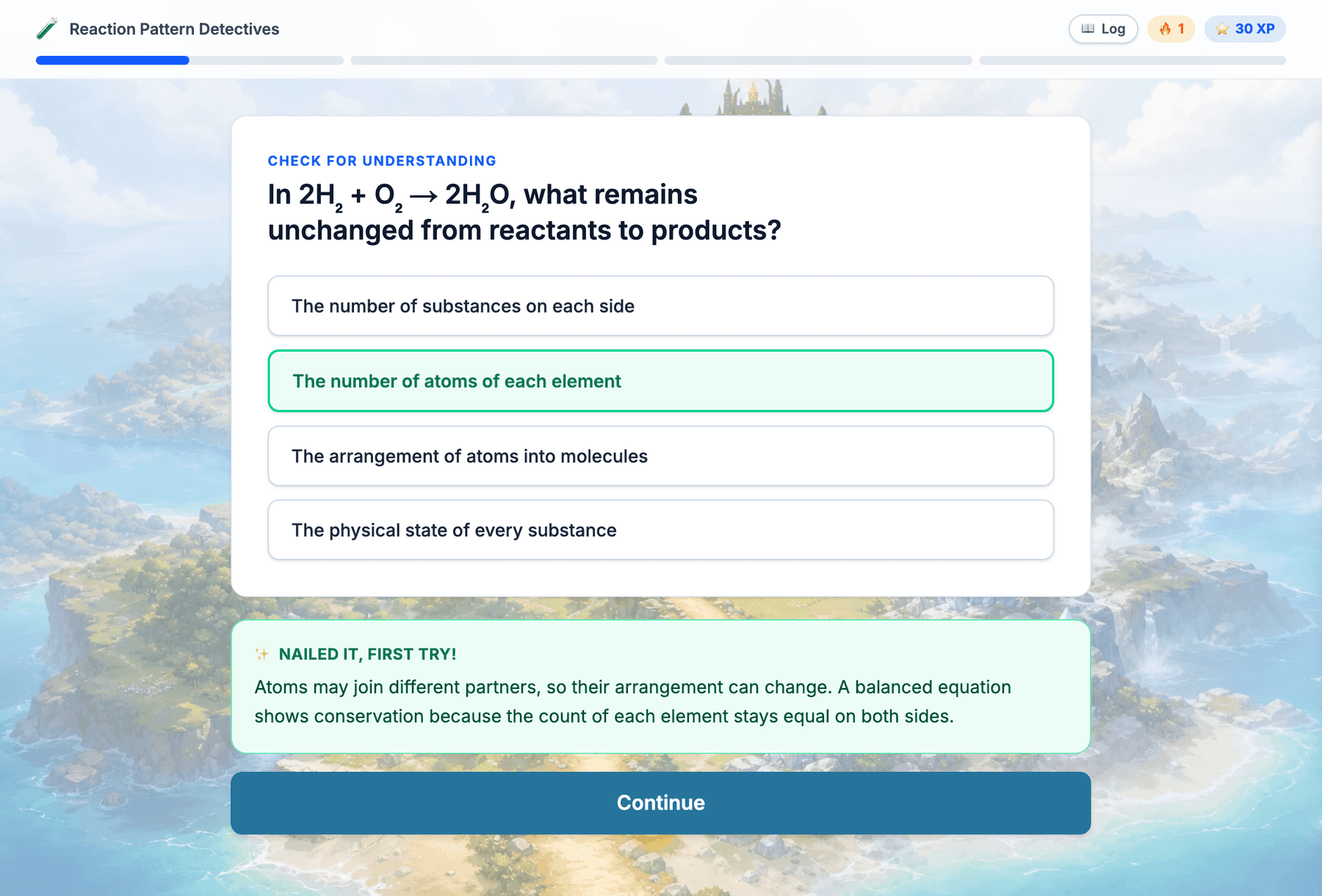
- Built From Your Plan: The experience teaches your lesson's content in your lesson's order, with checks aligned to your objectives.
- An Illustrated World: Every experience unfolds across a themed map world matched to your topic, with progress lighting up the path level by level.
- Genuinely Interactive: Drag-and-drop sorting, connect-the-line matching, typed answers, word banks, sequencing, and multiple choice, each with instant feedback that explains the why.
- An Epic Finale: Every experience ends in a boss battle: a themed villain with a health bar, hearts on the line, and an opt-in timed ULTRA mode.
How it works
From Lesson Plan to Class Period
Click Digital Experience
Open any lesson plan and press one button. The experience is built from your plan in about two minutes.
Share One Link
Post the link to Google Classroom or write the short code on the board. It keeps working for two weeks.
Students Just Play
No accounts, no installs, no app. Students enter a first name and journey level by level, with a Mission Log of everything they've learned one tap away.
Collect the Evidence
Each student finishes with a unique completion code to post on your Classroom assignment, and every finish is recorded on your dashboard.
Why teachers use it
Designed for the Day You Can't Be Everywhere
Student Privacy First
No student accounts and no sign-ins. First names appear only on your live dashboard and are never stored.
Sub-Day Proof
Fully self-contained: every check is answerable from what the experience already taught, so students succeed without adult help.
Accountability Without Logins
Completion codes are issued by the server when a student finishes, so a code on your assignment means the work happened.
Chromebook Friendly
Every interaction works by drag or tap, and content loads once and plays smoothly on school networks.
Turn Tomorrow's Lesson into an Experience
Open a lesson plan and press Digital Experience. The link is ready before you finish your coffee.